First frames
Create the opening shot and animate it into a video.
AI image generator
Describe the image and choose the engine: GPT Image 2.5 Sunburst, Nano Banana 2, Grok Imagine 2. Start from text or from up to 8 of your own images. The price shows before «Create».
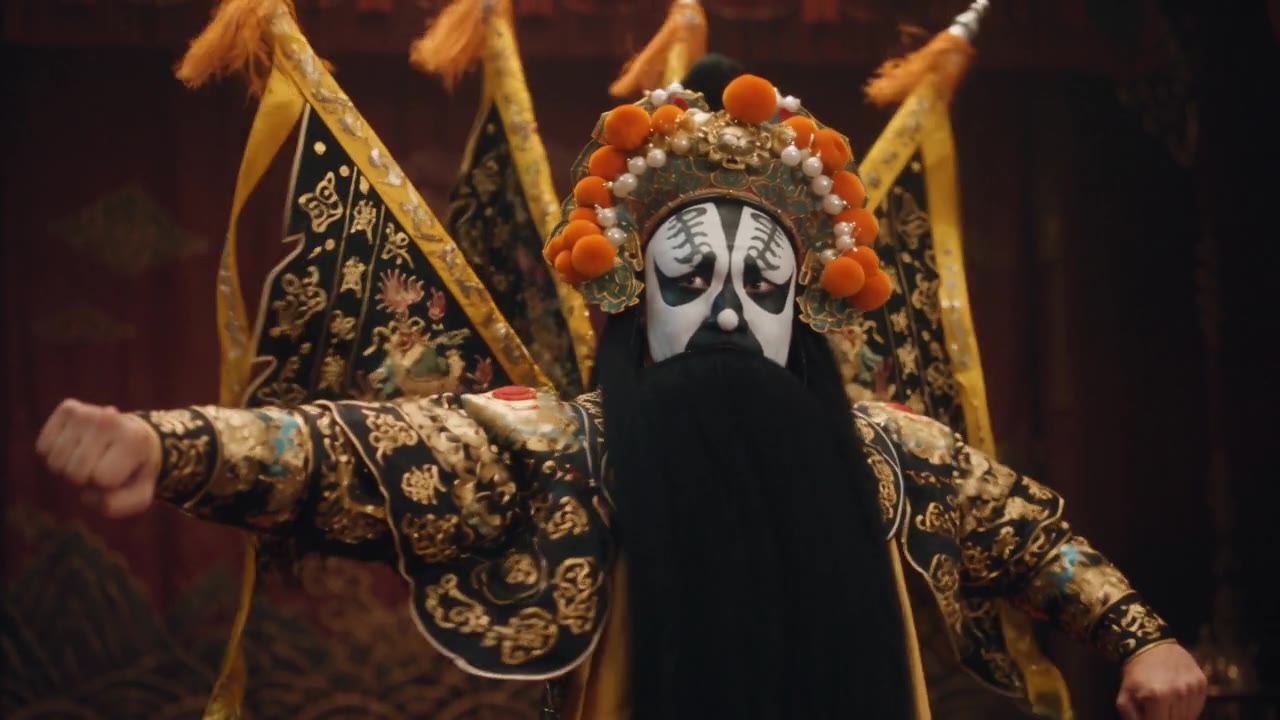
Who or what, where, in what light and style. You can add your own photos as starting images, to edit or combine them.
Each engine has its strengths; the qualities depend on the engine. Vertical, horizontal or square.
See the price and press «Create»: the image opens on the page. Use it as the first frame of a video, as a character or as the base of the next one.
| Engine | Price from |
|---|---|
| GPT Image 2.5 Sunburst | €0.07 |
| Nano Banana 2 | €0.13 |
| Grok Imagine 2 | €0.10 |
Price per image at the lowest quality offered, without starting images.
The exact price shows in the studio before «Create»; if the engine does not deliver, the reserved credit comes back.
Create the opening shot and animate it into a video.
A face or a character to call by name in several videos.
Product shots, backgrounds and social images without a photo set.
The ones active in the studio right now: GPT Image 2.5 Sunburst, Nano Banana 2, Grok Imagine 2. Each has different strengths.
Yes: add up to 8 starting images (the limit depends on the engine). Upload only images you hold the rights to.
It depends on engine and quality. The price shows before «Create» and you pay only if the image arrives.
Yes: use it as the first frame in «Image to video» or as a character in a video.